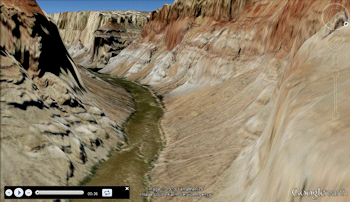
Use the programs s in the Google Earth Flyover menu to create simple or detailed animations of maps, images, and other items in Google Earth.
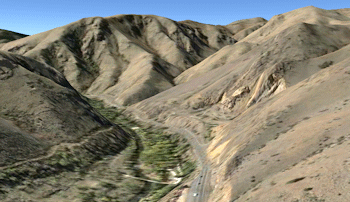
Camera Looking Forward: Create a simple flyover along a user-defined path, looking forward along the route, at a specific elevation and viewing angle. This works well to show routes, like along a river. (More info)
Camera Looking at Midpoint: Create a simple flyover along a user-defined circular path, looking toward the middle, at a specific elevation and viewing angle. This is a good way to circle an area in the flight. (More info)
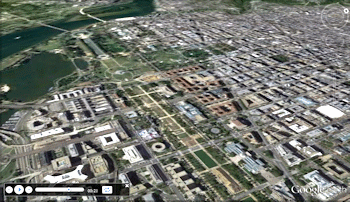
Spiral from Space: Create a simple flyover that zooms in to a specific XY location from space, does three circular passes at successively lower elevations, then zooms back out to space. (More info)
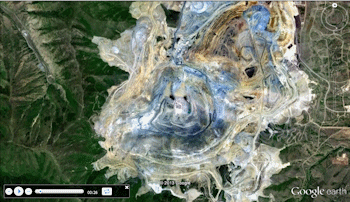
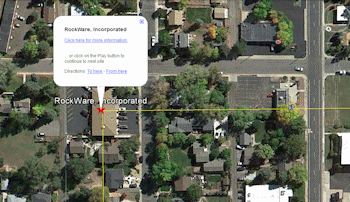
Flyover - Simple Tour: Create a simple flyover between points, with pauses at each point, and display of site symbols, names, and clickable URLs. (More info)
Command Driven: The flyover can be controlled by commands, locations, and flight times listed in the datasheet. (More info)
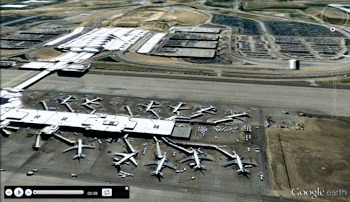
Circular: This is an advanced version of the simple tour from space shown above. The user can define in the datasheet the circle radii, elevations, tilt angles, and transition and rotation duration. (Circular)
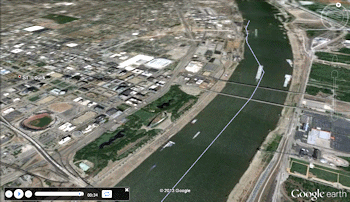
Golf Ball Flight Simulation: Create a simple flyover of arced flight segments between pairs of X, Y, elevation points (like tee-to-pin flights of golf balls along a course). (More info)
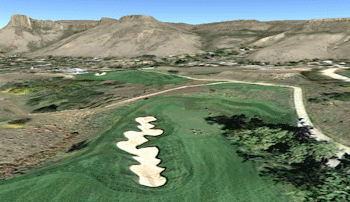
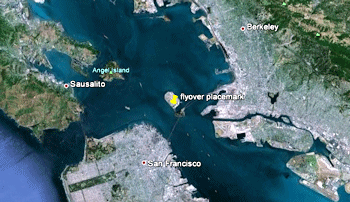
Clipboard - Circular Flyover: Copy a single Google Earth placemark, and create a circular tour around that point. Easy! (More info)
Clipboard - Forward Flyover: Copy a path in Google Earth, and create a forward-looking tour along that route. Really easy! (More info)
 Back to Animate Menu Summary
"Google" is a trademark of Google Inc.
