If you've created a new project in RockWorks or are in the midst of working on a project, you can bring in the Bitmap Types from another, existing project database. These types will be appended to any existing entries in the current table.
Step-by-Step Summary
- Open your project's Bitmap Types Table. It may or may not yet contain any information.
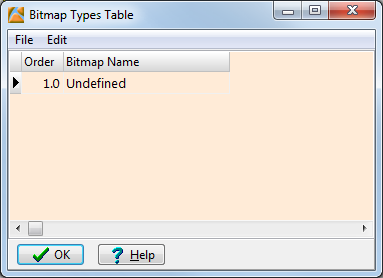
- Select the File | Import From Another Project option.
- Browse for the folder where the existing project MDB file resides.
- Select the name of the MDB file for the project.
The program will read the contents of that project's Bitmap Types Table and append it to the end of the current list.
- Make your desired editing changes to the Table. (See Editing the Bitmap Types Table.)
- Click OK when the table is displayed to your satisfaction.
 Back to Bitmap Types Table Overview

RockWare home page