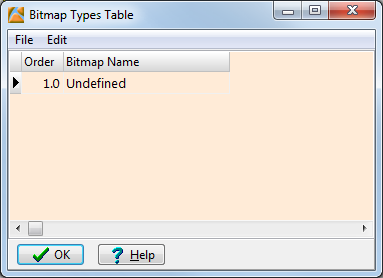
If you've created a new project in RockWorks or are in the midst of working on a project, you can bring in the Bitmap Types from an ASCII text file. The imported names will be appended to any existing entries in the current table.
Step-by-Step Summary
Raster Logs 1
Core Photos 2
Cuttings Photos 3
Outcrop Photos 4These tab-delimited columns list (1) the image category name, and (2) row order.
The program will read the contents of the file and append it to the end of the current list.
 Back to Bitmap Types Table Overview
