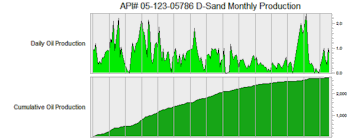
The Borehole Manager’s Production tab is used to enter well production data - formation, year, month, days produced and any combination of Oil Produced, API Gravity, GAS, BTU and Water. These data can be displayed in a variety of 2D and 3D graphs via the Production menu tools.
Accessing the Production Table
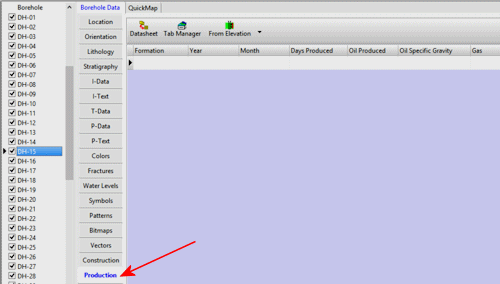
- Access the Borehole Manager
- Create a new project as necessary.
- Create a new well if necessary, or click on the existing well to be edited.
- Click on the Production table for the well.
Production Data Fields
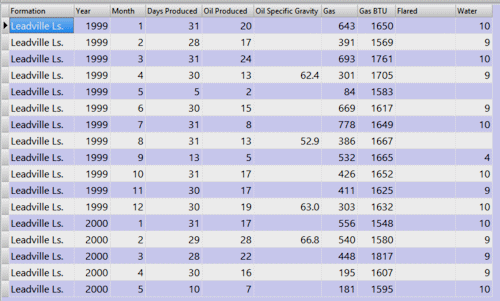
- Formation: (required) Double-click here to select the name of the producing formation. This field links to the Stratigraphy Types Table.
- Year: (required) Enter the year using 4 digits.
- Month: (required) Enter the month in a 1 -> 12 integer format to represent Jan -> Dec.
- Days Produced: (required) Type in the number of days in the specified month and year with production data.
- Oil Produced: Enter the oil produced in barrels.
- Oil Specific Gravity: If known enter the specific gravity (API Gravity) of the produced oil.
- Gas: Enter the gas produced in MCF.
- Gas BTU: Type in the gas BTU.
- Flared: Enter the flared gas in MCF.
- Water: Use this column to enter water produced in gallons.
See also
- The Production menu for tools that generate production diagrams.
 Back to Data Introduction

RockWare home page