
Active Table: The tables for each borehole are displayed in the Borehole Manager window, with tabs noting the table name.
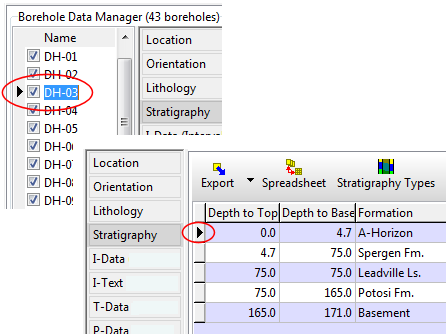
Active Row: When you click on a record in the database, such as the name of a borehole or a row in the Stratigraphy table, the cursor will be shown as a triangle to show the active record.
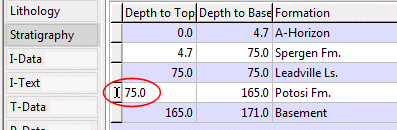
Editing Fields: When editing, the record pointer will change to an "I-beam." This mode can be entered into by pressing the function key F2 or by double-clicking in the cell to be edited and starting type type.
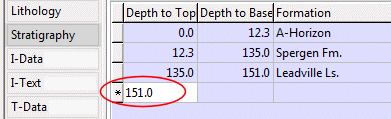
Inserting Records: Insert mode is indicated by the record pointer changing to an asterisk "*". A new record is inserted by
Canceling: Both insert and edit modes can be cancelled by pressing the escape “Esc” key. This will cancel any edits that are in progress.
Deleting Records: Deleting a record is done by
See also: Editing Borehole Records as a Spreadsheet
 Back to Database Overview
